Previous Page:
Spatial Analysis
Next Page:
Conclusion & Next Steps

Scroll for more

Getting Started

How to Navigate the Report

There are two ways to navigate this report described below. If you are interested in the full report, we encourage you to start from the beginning with Chapter 1: Introduction and simply use the "turn the page" function.


Table of Contents

The Table of Contents is accessed through the "hamburger menu" icon located in the bookmark on the left-hand side of each page. This report is broken down into four chapters. From this menu, you can easily navigate to any Chapter/subsection/page in the report, or return to the home page.

An abbreviated version of the Table of Contents is also accessible in the footer, at the bottom of each page.

The arrows at the bottom left-hand of your screen will sequentially take you through the report, page by page. For example, press the right arrow to move from Section 1.1 to Section 1.2. The forward arrow (>) allows you to turn to the next page while the back arrow (<) allows you to return to the previous page.


Information Guide

This icon can be found in the middle of the bookmark located on the left-hand side of each page in this report. It provides the information above on how to navigate through the content. You can access this guide anytime without leaving the current page you’re visiting.

Section 3.3

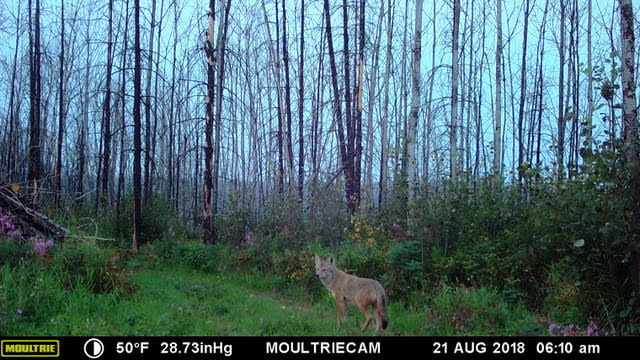
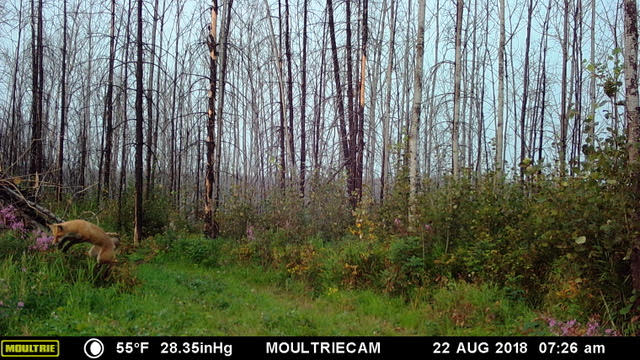
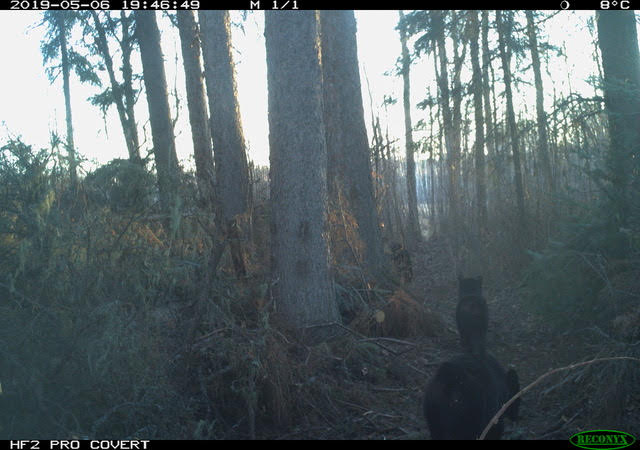
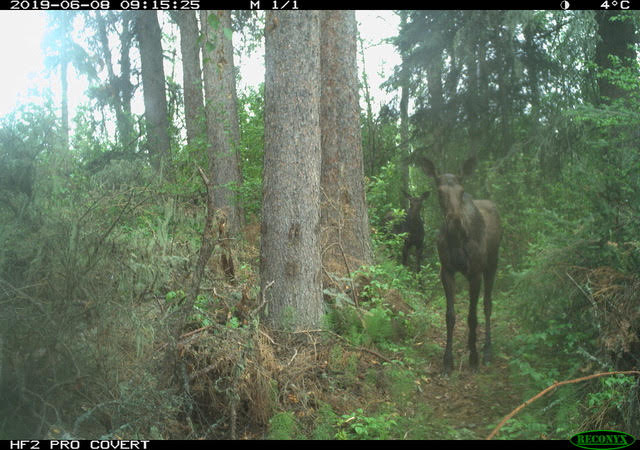
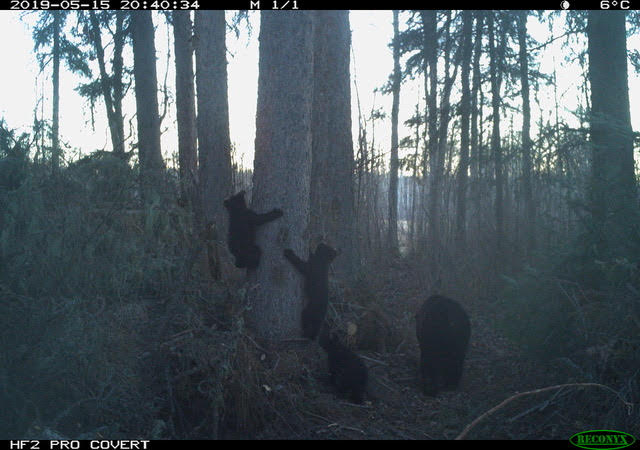
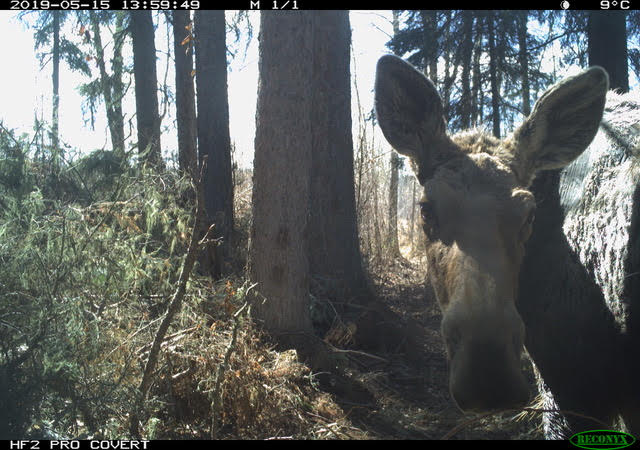
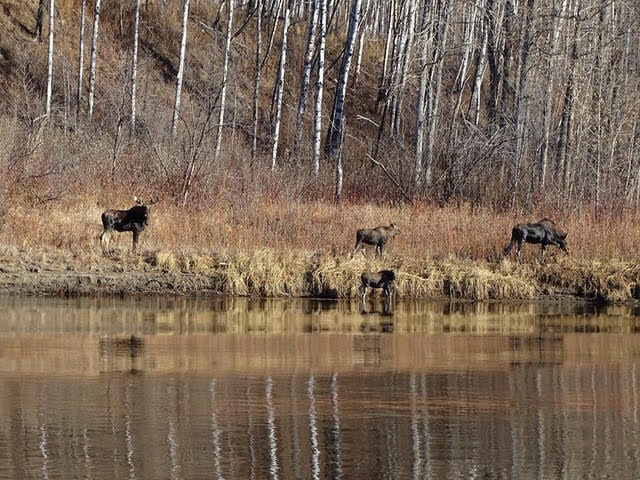
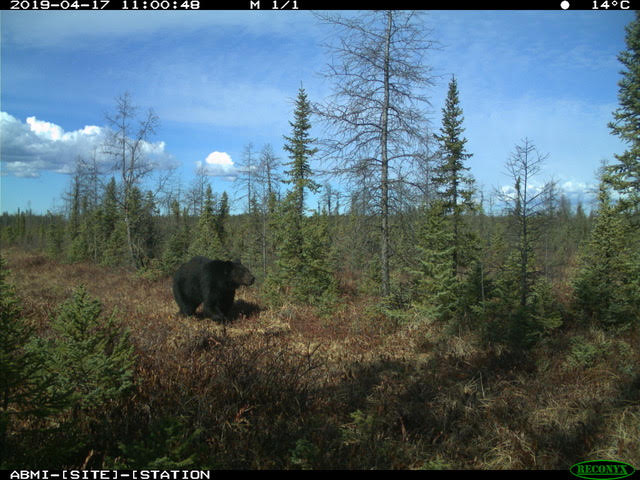
Featured Camera Images


A selection of favourite images captured by the wildlife cameras used in this project.

Featured Images
Featured Images

Surprises
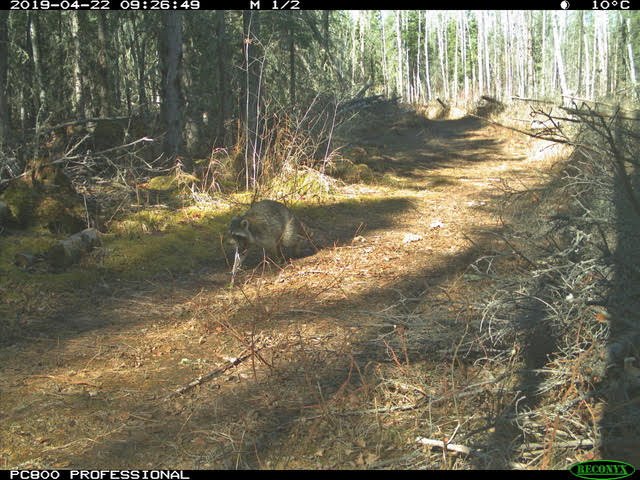
A raccoon was found on one of the traplines, a species that was not expected so far North, nor seen before by the owner of the trapline.

I’ve never seen a raccoon behind my house. Nobody has ever seen one. Looking at the pictures on the camera, caught a raccoon...right there on the picture.